



How to Contact Auto Parts Support: 7 Ways
Table of Contents
- Before You Contact Auto Parts Support: What to Prepare
- How to Verify Part Compatibility Before Purchase
- Contact Methods: Phone, Email, and Live Chat
- Response Times: What to Expect from Each Channel
- Troubleshooting Common Issues Before Contacting Support
- Auto Parts Warranty Claim Process
- Customer Support Email Templates for Orders
- Tracking Your Order and Getting Status Updates
Last Updated: August 30, 2026
Before You Contact Auto Parts Support: What to Prepare
Getting the right answer from auto parts support starts with preparation. Gather your vehicle identification number (VIN), know your vehicle’s year and model, and have photos of the part you’re replacing if you’re unsure about fitment. For warranty claims or returns, have your order number handy.
The VIN is your single most important piece of information. This 17-character code tells a parts specialist everything about your vehicle: engine type, transmission, trim level, and manufacturing details (VIN Decoder information). You’ll find it on your vehicle registration, insurance documents, or stamped on the dashboard just below the windscreen.
Know whether you’re looking for OEM (original equipment manufacturer) parts or aftermarket replacements, and have your budget range and timeline ready, support can’t help you find value without knowing your constraints.
Before contacting support, take a photo of the part you’re replacing if possible. A clear image showing the part number, condition, and how it connects to surrounding components saves specialists from asking clarifying questions later.
How to Verify Part Compatibility Before Purchase
Part compatibility is the single biggest reason customers contact auto parts support after ordering. You can verify compatibility yourself before spending money or waiting for delivery.
Start with your vehicle identification number. Your VIN decoder will tell you exact specifications: engine displacement, transmission type, and trim packages. Many online parts retailers, including Vertexark Auto Parts, have VIN lookup tools built into their product pages. Enter your VIN, and the system shows only parts compatible with your exact vehicle configuration.
If a parts retailer doesn’t offer VIN verification, that’s a red flag. A part designed for the 1.3-litre engine won’t fit the 2.0-litre variant, even though both are the same year and model.
Cross-reference the part number on your current component with what you’re ordering. Part numbers are specific, a one-digit difference means a completely different part. Check the product description for fitment notes. Reputable suppliers list specific vehicle years, engine types, and trim levels.
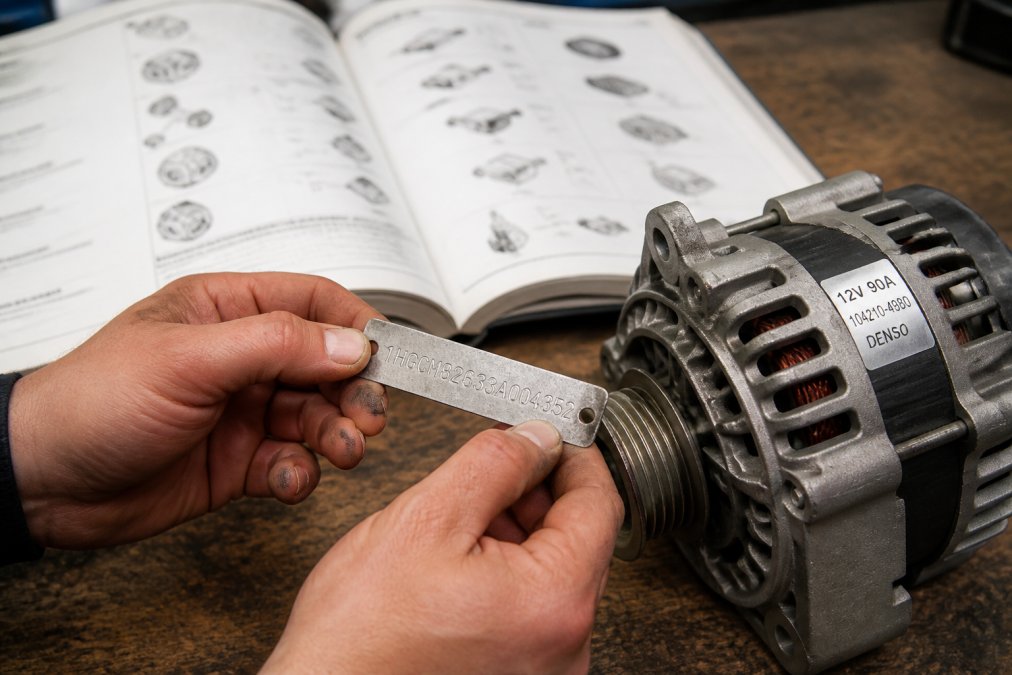
If you’re still uncertain after checking these details, contact support before purchasing. A five-minute conversation prevents a wrong order and a return process.
The VIN is your compatibility guarantee. Every legitimate parts retailer should offer VIN-based fitment verification. If they don’t, find one that does, it’s the fastest way to avoid ordering the wrong part.
Contact Methods: Phone, Email, and Live Chat
You have three main channels to contact auto parts support, and each one serves a different purpose.
Phone Support
Phone support is the fastest channel when you need an immediate answer or have a complex question. A parts specialist can ask follow-up questions and confirm compatibility before you purchase. Phone lines have business hours, typically 8 AM to 6 PM on weekdays, with reduced weekend hours. Have your vehicle details ready before calling: your VIN, year, model, and the specific part you’re asking about.
Email Enquiries
Email is best for detailed questions, warranty claims, or when you’re not in a rush. You can include photos, part numbers, and a full description of your issue. Email typically takes 24 to 48 hours.
Live Chat and Online Contact Forms
Live chat bridges phone and email. You get near-immediate responses without the phone call. Response times are typically under five minutes. Online contact forms are asynchronous like email but often feel faster because they’re integrated into the retailer’s website.
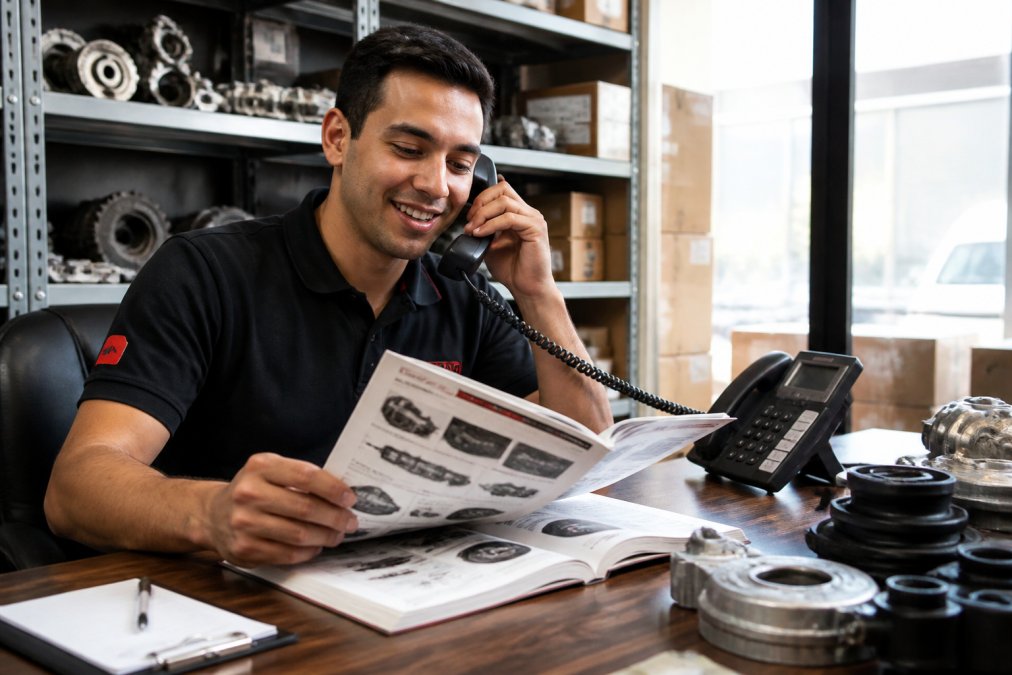
Vertexark Auto Parts offers all three channels. The choice depends on your urgency and question complexity.
Phone support works best for first-time buyers unsure which part they need. Live chat is ideal for quick order status checks. Email is your channel for detailed warranty claims or technical questions that need research.
Phone Support
Before dialling, have your information organised. Write down your VIN, the part you’re asking about, and your specific question. For warranty claims, you’ll be asked for your order number, part number, and details about the issue. Be specific: "The part failed after 3,000 kilometres, and here’s what I observed" is actionable. Tips for reaching customer support.
Email Enquiries
Structure your email clearly: state your vehicle details in the first sentence, describe your question in the second, and include relevant details (order numbers, part numbers, photos) in the body. Subject lines matter. "Warranty claim for order #12345" is infinitely better than "Help needed." Expect a response within 24 to 48 hours.
Live Chat and Online Contact Forms
Live chat is immediate and informal. Type your question, and a specialist responds within minutes. Online contact forms are more formal. Selecting the right category routes your form to the appropriate team, which speeds up response time.
Response Times: What to Expect from Each Channel
Phone support typically connects you within two to five minutes during business hours. Email responses usually arrive within 24 hours for straightforward questions. Warranty claims and complex technical issues might take 48 hours. Live chat is the fastest, with most retailers responding within two to five minutes during business hours.
Response time isn’t just about how long it takes to get an answer, it’s about how complete that answer is. Phone calls are fast but limited to what you can discuss in real time. Email is slower but allows for thorough research.
Avoid sending the same question across multiple channels simultaneously. If you email and also call, you might get two different answers, which creates confusion. Pick one channel and give it 24 hours before escalating to another.
Troubleshooting Common Issues Before Contacting Support
Most auto parts support requests fall into a handful of categories, and many can be resolved before you contact anyone.
Wrong Part Ordered
Verify you ordered the correct part number for your vehicle. Pull up your order confirmation and cross-reference the part number against your VIN using the retailer’s compatibility tool.
Part Doesn’t Fit During Installation
Check the installation instructions that came with the part. Read them completely before attempting installation. Look for obstructions. Aftermarket parts sometimes need minor modifications to fit alongside existing components.
Document the damage with photos from multiple angles. Contact support with photos attached. Most retailers have straightforward processes for damaged goods.
Order Hasn’t Arrived
Check the tracking information first. If tracking shows no movement for more than a week, or if the estimated delivery date has passed, contact support with your order number and tracking number.
Part Doesn’t Work After Installation
Verify the part is installed correctly by rereading the installation instructions. Check all electrical connections if it’s an electrical component. If the part genuinely doesn’t function after proper installation, contact support with documentation: photos of the installation, a description of what isn’t working, and details about what you’ve already tried.
Auto Parts Warranty Claim Process
The warranty claim process typically starts with contacting support. You’ll need your order number, the part number, and details about the failure. Be specific: "The part failed after 5,000 kilometres, and here’s what I observed" is useful.
Provide photographic evidence if possible. Photos of the failed part, the failure mode, and how it was installed all help specialists assess whether the failure is covered under warranty. Most aftermarket parts come with a one-year warranty covering defects in materials or workmanship, in line with consumer guarantees under Australian Consumer Law. Damage from misuse, improper installation, or normal wear typically isn’t covered.
If your claim is approved, the retailer will either send a replacement or issue a refund. If your claim is denied, the specialist should explain why.
Keep your order confirmation and any documentation about the part’s performance. Retailers can’t process warranty claims without proof of purchase and details about when and how it failed.
Customer Support Email Templates for Orders
Having a template for common support emails saves time and ensures you include all necessary information.
Template 1: Compatibility Question
Subject: Compatibility Question – [Your Vehicle Year/Make/Model]
Hi [Retailer Name],
I’m looking for [part name] for my [vehicle year] [vehicle make/model]. My VIN is [your VIN]. Can you confirm this part will fit my specific vehicle before ordering?
Thanks,
[Your name]
Template 2: Warranty Claim
Subject: Warranty Claim – Order #[order number]
Hi [Retailer Name],
I’m filing a warranty claim for the [part name] I purchased under order #[order number]. The part failed after [timeframe] of use. Here’s what happened: [describe the failure clearly]. I’ve attached photos showing the failed part and how it was installed.
Please let me know what information you need to process this claim.
Thanks,
[Your name]
Template 3: Order Status
Subject: Order Status – Order #[order number]
Hi [Retailer Name],
I ordered [part name] under order #[order number] on [order date]. The estimated delivery was [estimated date]. I haven’t received the order yet. Can you provide an update on the status?
Thanks,
[Your name]
Template 4: Damaged Part
Subject: Damaged Part – Order #[order number]
Hi [Retailer Name],
I received my order #[order number], but the [part name] arrived damaged. I’ve attached photos showing the damage. Can you send a replacement or process a refund?
Thanks,
[Your name]
Tracking Your Order and Getting Status Updates
Check your email first. When your order ships, you’ll receive a shipping notification with a tracking number and a link to track your package. Standard shipping typically takes five to ten business days, depending on your location and the retailer’s warehouse location, in accordance with consumer protection guidelines for prompt delivery.
If you didn’t receive a shipping notification, log into your account on the retailer’s website. Your order history should show tracking information. If tracking shows your package is delayed, contact support only if your package is significantly late or if tracking shows no movement for a week.
Tracking information is your window into where your order is. Check it regularly, but remember that delays happen. Contact support only if your package is significantly late or if tracking shows no movement for a week.
Getting the right auto parts support comes down to preparation and knowing which channel to use. Before you contact anyone, gather your vehicle information, verify compatibility, and troubleshoot simple issues yourself. When you do reach out, use the right channel: phone for complex questions, email for detailed claims, chat for quick status updates.
Vertexark Auto Parts is here when you need help. Our specialists can confirm fitment, answer technical questions, and process warranty claims quickly. With fast shipping, industry-leading warranties, and a commitment to 100% customer satisfaction, we ensure every part you order is the right one for your vehicle. Shop now and experience the difference expert support makes.
Frequently Asked Questions
What information should I have ready before contacting auto parts support?
Gather your vehicle identification number (VIN), vehicle make and model, year, and engine type. Have your order number if you're inquiring about an existing purchase. If reporting a faulty part, take photos of the damage or defect. For warranty claims, keep your original receipt and proof of purchase. This information helps the parts specialist verify compatibility and process your request faster.
How do I initiate an auto parts warranty claim process?
Contact support with your order number, proof of purchase, and photos of the faulty part. Describe what went wrong and when the failure occurred. You may need to return the defective part before a replacement ships, depending on the warranty terms. Check your warranty documentation for specific exclusions and coverage details.
What are typical response times for automotive parts customer service?
Phone support typically responds within minutes during business hours. Email enquiries usually receive replies within 24-48 hours on business days. Live chat offers fast responses during operating hours. Response times may be longer during peak periods or public holidays. For urgent issues, phone support is your best option.
How do I verify that a part will fit my vehicle before ordering?
Use your vehicle identification number (VIN) to check compatibility on the parts catalogue. Match your vehicle's make, model, year, and engine size against the part listing. Contact the parts specialist team if you're unsure, they can confirm fitment based on your specific vehicle details. This step prevents ordering the wrong part and ensures guaranteed exact fit.
This article was written using GrandRanker